INP is the Core Web Vital that matters least for “AI chatbots quoting sources,” and most for the next step: AI systems that use a browser to complete tasks.
In agentic browsing, “visibility” is not only being cited. It is being usable. If an agent can’t reliably click, type, and advance a flow on your site, it can time out, retry incorrectly, or switch to another site.
The “Read” vs. “Do” Divide
This article is about AI systems that use a browser (or a “computer use” environment) to take actions on websites, not the chat-style assistants that mainly fetch and quote pages.
TTFB and CLS mostly affect the “read” phase: can an AI system retrieve your page and extract clean text to cite. INP becomes critical in the “do” phase: can an AI system interact with your UI fast enough to complete a task.
That “do” phase is emerging across products and runtimes:
Built-in AI browsers and AI browser modes:
- OpenAI Operator and ChatGPT agent (browser/computer-driven task completion)
- Anthropic Claude computer use tool (API tool for controlling a desktop/browser environment)
- Perplexity Comet (marketed as an AI browser)
- Microsoft Edge Copilot Mode (AI-assisted browsing mode)
Local and extension-style “auto browsing” variants:
- Manus AI and similar tooling (agents running steps in a browser context)
- Chrome “auto browse” style automation (AI-assisted multi-step browsing)
- OpenClaw and similar agent runtimes that can act through a browser environment
The list is expanding quickly, but the direction is consistent: more LLM systems will not only read your pages. They will try to complete workflows on them, which is exactly what Agentic Browsing checks for.
This is where INP (Interaction to Next Paint) matters. INP measures how quickly your site responds visually after a user interaction (tap, click, keyboard) across the session. Good is ≤200 ms, needs improvement is 200–500 ms, poor is >500 ms, measured at the 75th percentile (p75) of real-user sessions. (Google’s INP documentation)
Key point: INP usually won’t decide whether an AI can read your content to quote it, but it can decide whether an AI browser can complete tasks on your site.
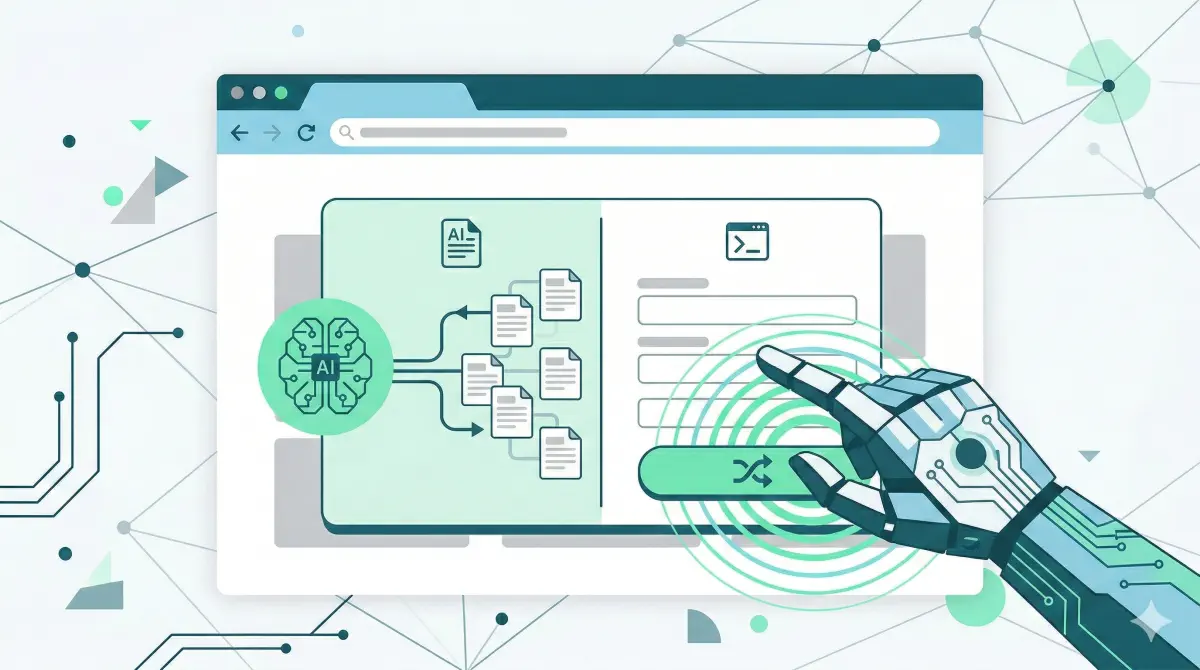
INP matters in the “do” phase, not the “read” phase. Agentic browsing is where it becomes a success metric.
Why INP Often Doesn’t Matter for Read-Only AI
A lot of AI systems that produce citations behave like fetchers, not users. They request a URL, take whatever HTML they get back, extract text, and move on. No clicking, no typing, no “next step” in your UI.
INP is an interaction metric. If nothing is interacting with your UI, INP is often irrelevant to whether your content can be retrieved.
Teams get misled here. They see “low AI visibility” and assume responsiveness must be the cause. In practice, “read-only” visibility failures usually happen earlier: the crawler can’t access the page, the server is slow, or the content is not present in the initial HTML because it depends on client-side JavaScript.
Vercel’s analysis of AI crawler traffic reports that major AI crawlers fetch JavaScript files but do not execute them to render client-side content.
So the practical point: if your content is already present and extractable in the initial HTML, INP is rarely the gating factor for being “read.” INP becomes a gating factor when the system is trying to use your interface, which is the agentic browsing layer.
Where INP Matters for AI Browsers
For AI browsers and computer-use agents, INP is a practical success/failure constraint.
These agents run a loop: observe the page, take an action (click/type/scroll), then observe the result. If the UI response is delayed, the agent can mis-detect whether the action worked, repeat the action, time out and retry, or abandon the flow and pick another site.
INP measures exactly what the agent depends on: the time from an interaction to the next paint (a visible update). ≤200 ms tends to feel instant; >500 ms tends to feel broken, and those thresholds are based on p75 real-user sessions. (Google’s INP documentation)
Operator is explicitly framed as a browser agent that completes tasks on websites, and Anthropic’s computer use tool is built to control a desktop/browser environment. In the agentic context, the point is simple: slow interactions make it harder for an AI browser to finish tasks on your site, even if the content itself is easy to read.
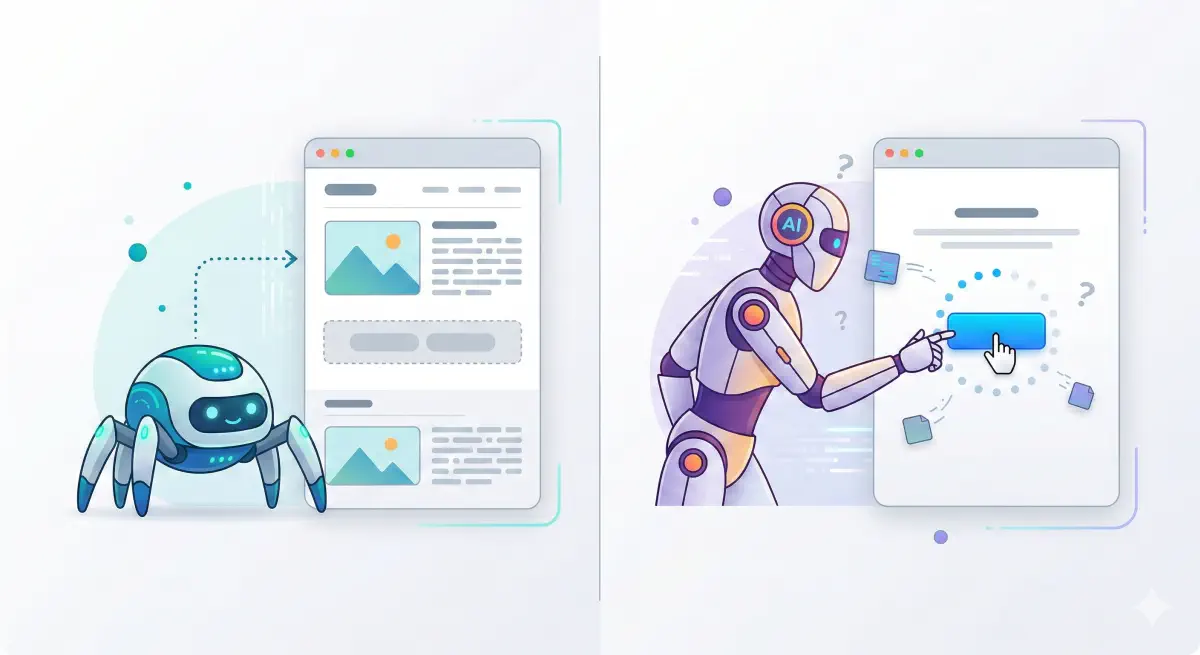
An agent that can’t get quick visual confirmation after an interaction will retry, duplicate actions, or abandon the flow.
How AI Browsers Fail on Slow Sites
AI browsers and computer-use agents operate with a loop: observe the screen, take an action, wait for visible confirmation, decide the next action. If the interface doesn’t respond quickly after a click or keystroke, the loop breaks in predictable ways.
INP is a good proxy for this because it measures the time from an interaction to the next paint. When INP is high, it is often tied to long tasks, heavy event handlers, or slow rendering after processing. (Google’s INP documentation) (web.dev’s INP optimization guide)
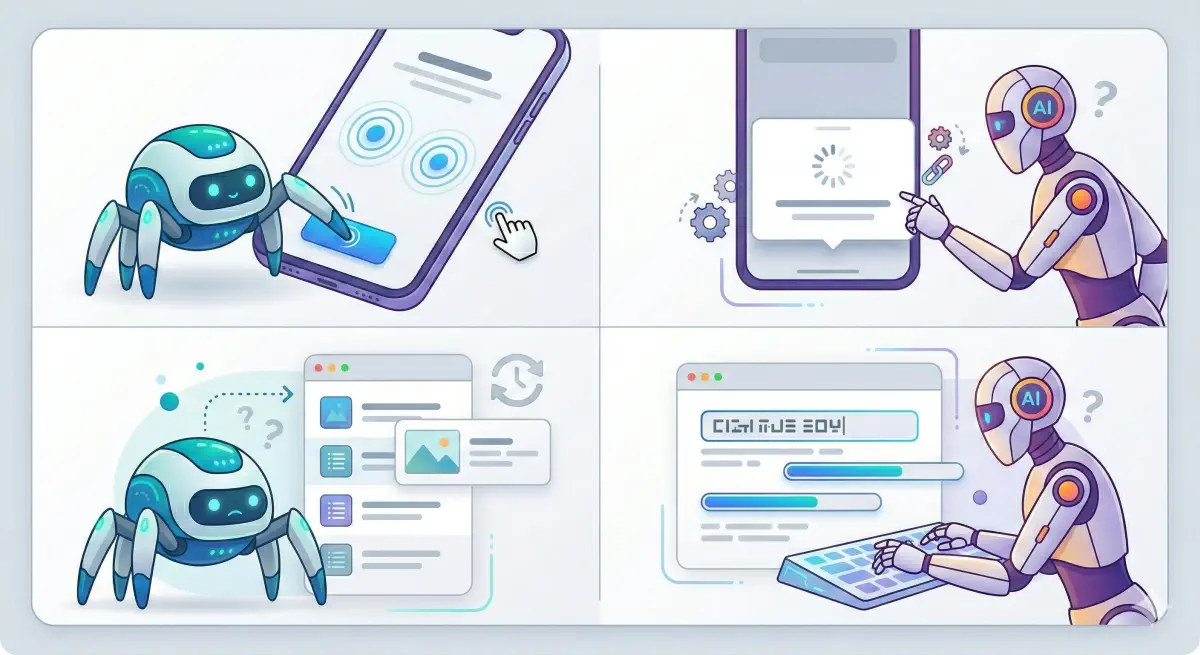
The Double-Click Problem
A common pattern: “Apply filters” gets clicked twice, “Add to cart” twice, “Next” twice. An agent interprets “no immediate visual change” as “the click didn’t register.”
A common cause: long tasks blocking the main thread.
The Stuck Modal Problem
A common pattern: the agent opens a modal (size picker, login, cookie consent), but the modal appears late or feels unresponsive. The agent keeps clicking the background, or clicks the wrong element because the page is still repainting.
Chrome’s INP breakdown explains this in three parts: input delay, processing duration, and presentation delay.
The Wrong State Problem
A common pattern: the agent clicks “Sort by price,” then reads the list immediately and assumes nothing changed because the update paints late. It may try another sort or leave.
The Scroll Loop Problem
A common pattern: infinite scroll loads late, the agent scrolls again, misses content, or triggers repeated “loading.”
The Form Friction Problem
A common pattern: typing lags or validation does heavy work on each keystroke. The agent may submit partial input or fail to advance.
Operator is framed around completing multi-step web tasks, which makes interaction failures commercially relevant.
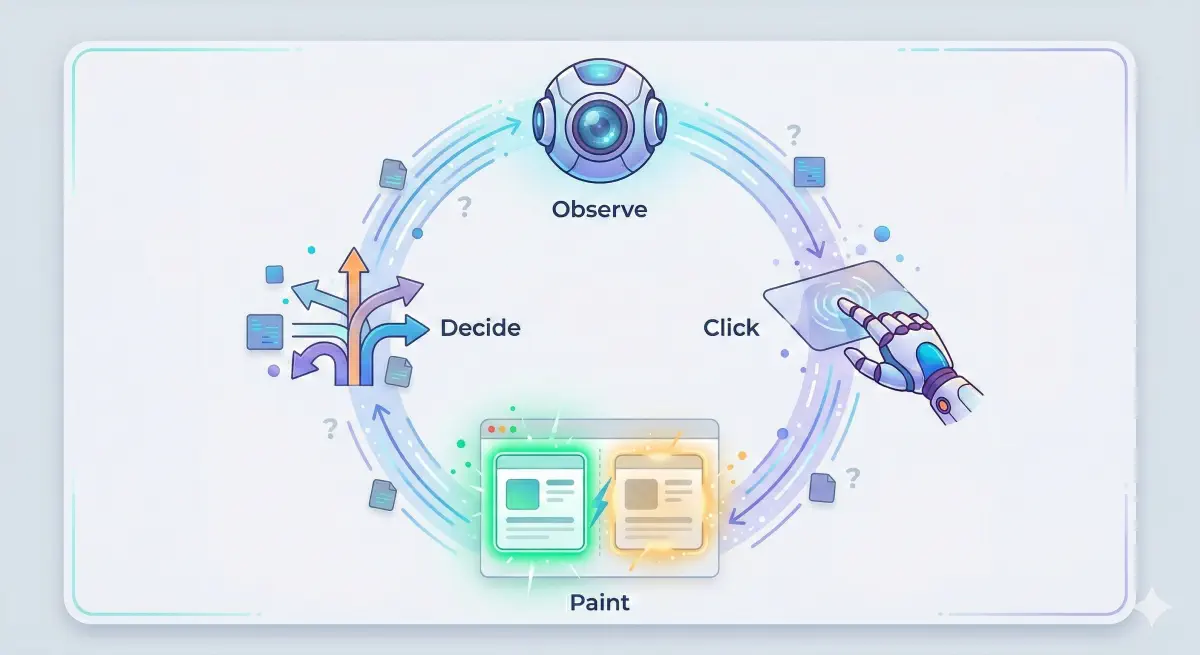
Each failure pattern maps to a specific INP bottleneck: input delay, processing duration, or presentation delay.
How to Diagnose INP Risk for AI Browsers
If you want AI browsers to complete tasks on your site, test the same way an agent operates: pick a goal, perform the key interactions, and check whether the UI responds quickly and predictably after each step.
INP thresholds provide a practical severity scale: good ≤200 ms, needs improvement 200–500 ms, poor >500 ms, measured at p75 of field data split by mobile and desktop. (Google’s INP documentation)
Choose the 3–5 Flows That Matter
Start with workflows tied to outcomes:
- Find something (search, filters, sort)
- Select something (open a product/listing)
- Commit (add to cart, book, submit lead form)
- Authenticate (login, OTP)
Use Field Data First, Then Reproduce in a Lab Run
INP is a field metric. p75 is the benchmark used in Core Web Vitals thresholds.
Use an INP Breakdown to Pinpoint the Bottleneck
Use the standard breakdown:
- Input delay: the page was too busy to start handling the click
- Processing duration: the handler did too much
- Presentation delay: the UI update painted late
Chrome’s Performance Insights documents this breakdown in detail.
Start with the flows that matter for agent task completion, then identify which INP component dominates.
Fixes That Improve INP for Agentic Flows
The target is “reliable interactions.” After a click or keystroke, the page should update fast enough that an agent can confirm it worked and move on.
INP has three parts: input delay, processing duration, and presentation delay. (Chrome’s INP breakdown documentation)
If Input Delay Is High: Reduce Long Tasks
web.dev’s INP optimization guide calls out long tasks on the main thread as a common driver of delayed interactions.
Ask dev:
- Identify the top long tasks during the flow and split them
- Move non-essential third-party tags off the critical path for these flows
- Defer heavy component initialization until needed
If Processing Duration Is High: Slim Down Event Handlers
web.dev’s INP optimization guide focuses on reducing work in event callbacks.
Ask dev:
- For the slow interaction, list the handler work, then move expensive work to idle time or a worker
- Reduce re-render scope to the components that changed
- Debounce per-keystroke validation
If Presentation Delay Is High: Make the UI Update Cheaper
Ask dev:
- After the interaction, reduce the number and size of DOM updates
- Avoid patterns that force repeated layout calculations
- Simplify the UI state change
Make Flows Confirmation-Friendly
Reduce double actions by making state changes obvious:
- Disable buttons after click and show progress state
- Show immediate feedback (loading state, selected filter chips)
- Keep interactive elements stable
Prioritize “Do” Templates First
Start with search/results pages, product pages, checkout/booking flows, lead forms, and login/OTP screens.
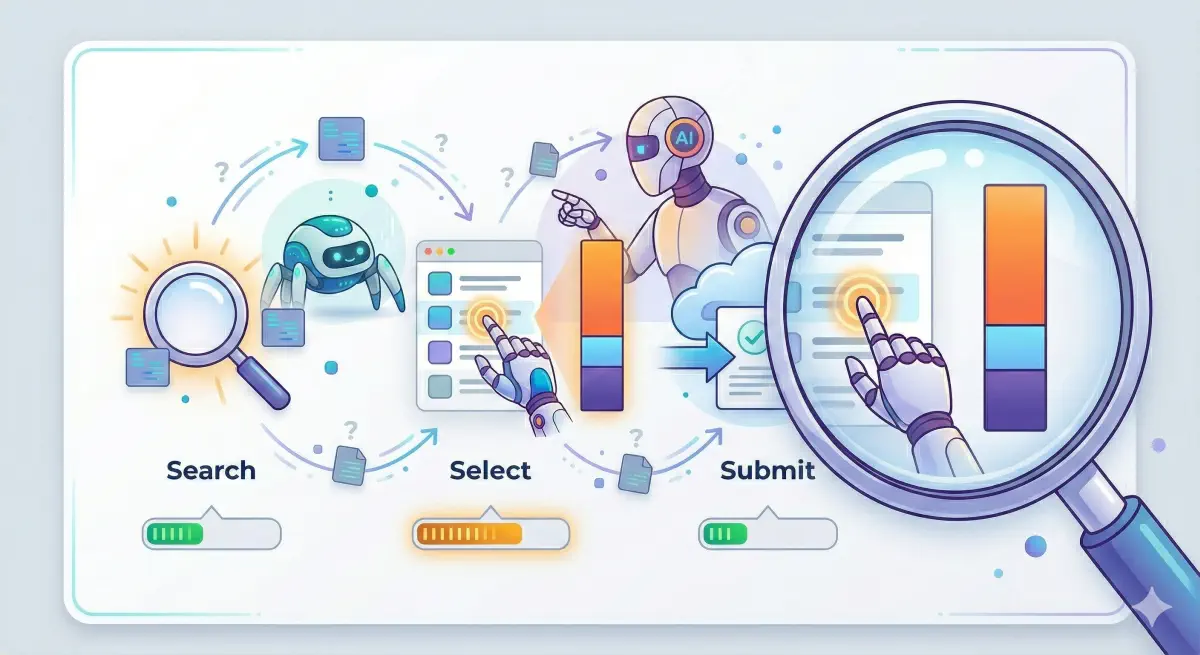
Match the fix to the dominant INP component: input delay, processing, or presentation.
INP Is an Agent Success Metric
For citation-style AI, INP is rarely the bottleneck. For AI browsers, INP can decide whether the agent completes the workflow.
Use INP as a success-rate proxy:
- Low INP means fast visual confirmation after actions, fewer retries, and fewer wrong-state reads
- High INP increases duplicate actions, timeouts, and abandonment
The thresholds are useful for triage: good ≤200 ms, poor >500 ms at p75 real sessions. (Google’s INP documentation)
This also fits BeSeenByAI’s positioning: eligibility first. In the agentic layer, eligibility is not only “can the bot fetch the page,” but also “can the bot use the interface.” BeSeenByAI is built to help teams identify technical blockers and prioritize fixes that improve how machines access and use a site, before investing more effort in higher-level tactics.
Next step: pick one money flow, measure its worst interactions, identify whether input delay, processing duration, or presentation delay dominates, then fix the largest contributor first. (Chrome’s INP breakdown documentation)
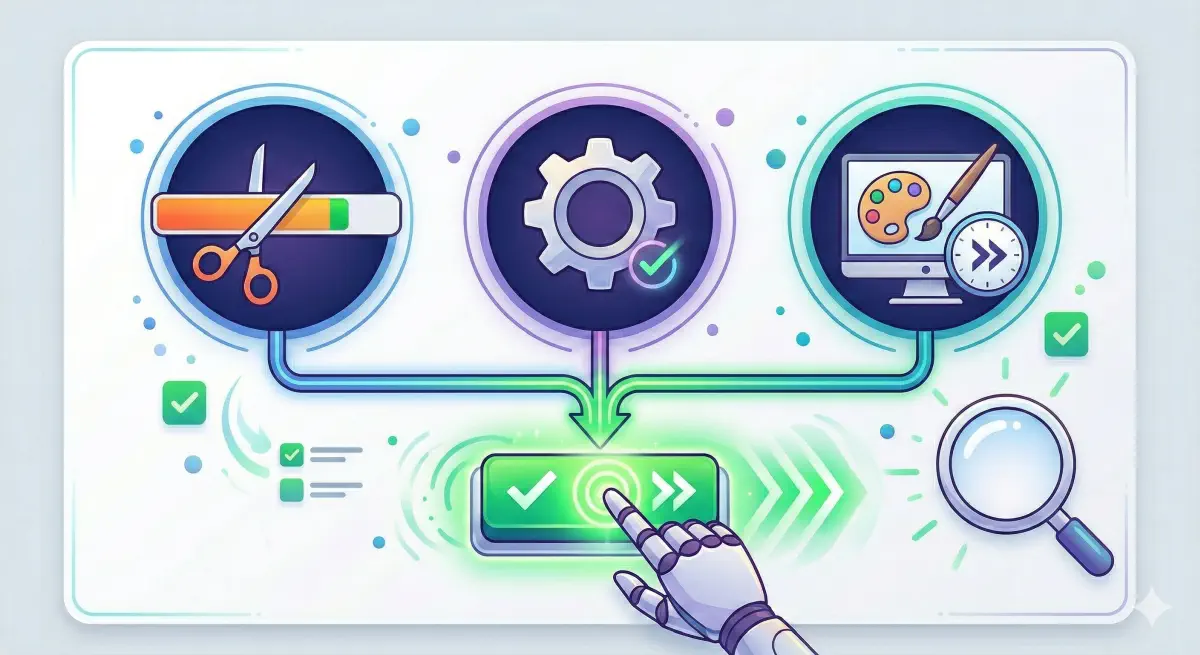
Low INP = higher task completion rates. High INP = more retries, more abandonments, and more lost conversions from AI browser traffic.
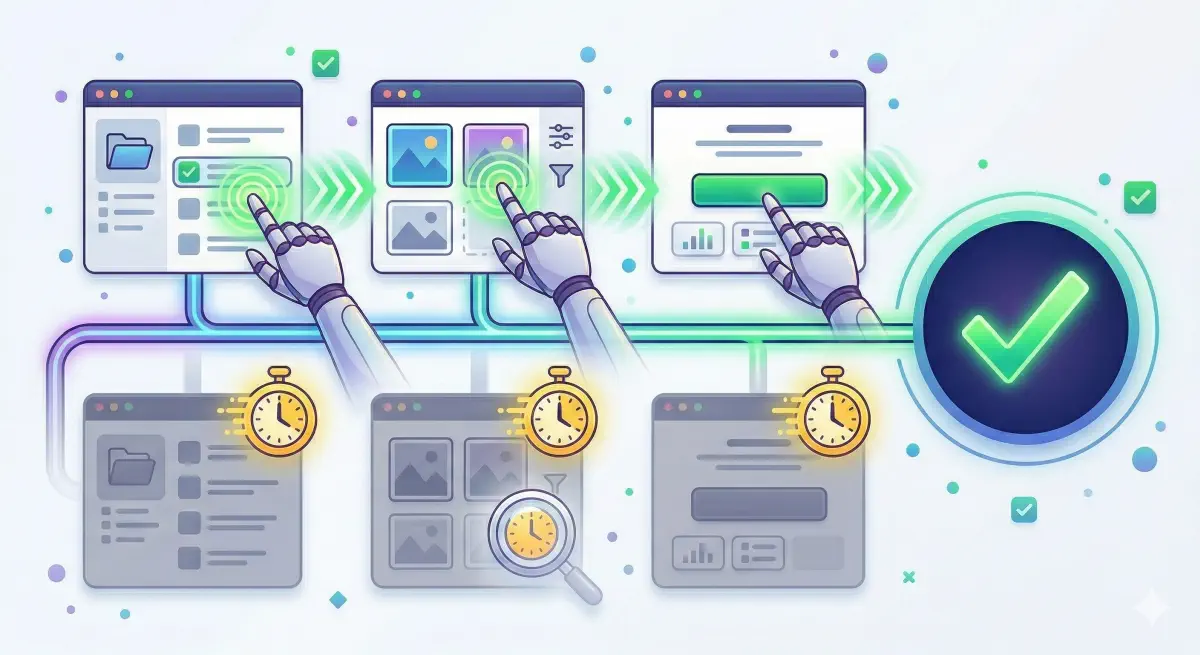
INP thresholds translate directly to agent reliability: under 200 ms is fast enough for most agents to confirm and advance.